Once your files are uploaded to our infrastructure, you need to configure your hosting to work with your code.
Configure startup
You need to tell the system which file you want to start on your hosting. This is equivalent to node index.js or python start.py.
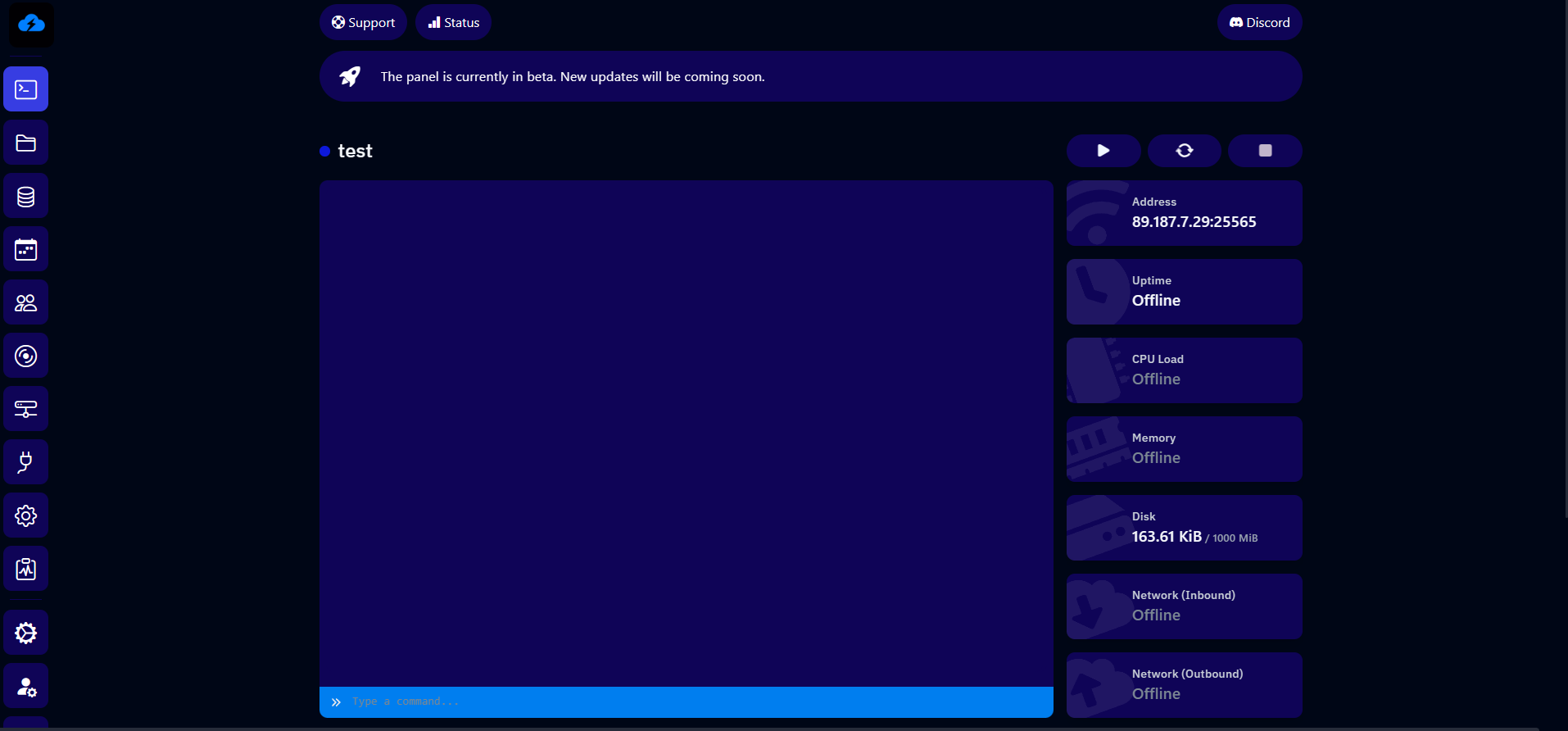
To do this, go to the "Startup" tab of your hosting.
Then, set the file to start in the "JS FILE" section (for Node.js) or "PY FILE" (for Python).
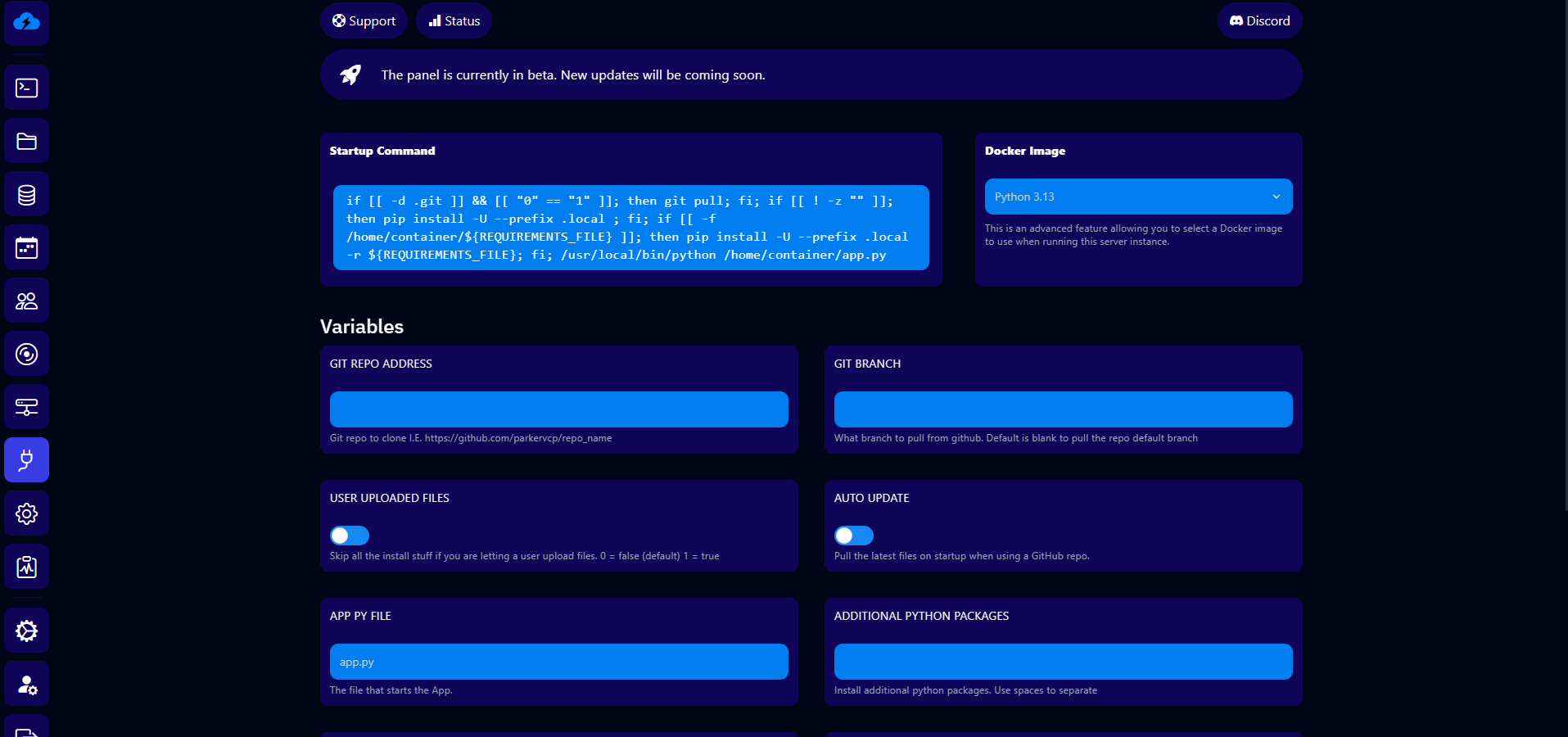
If needed, write here the modules required for your project to work, separated by a space.
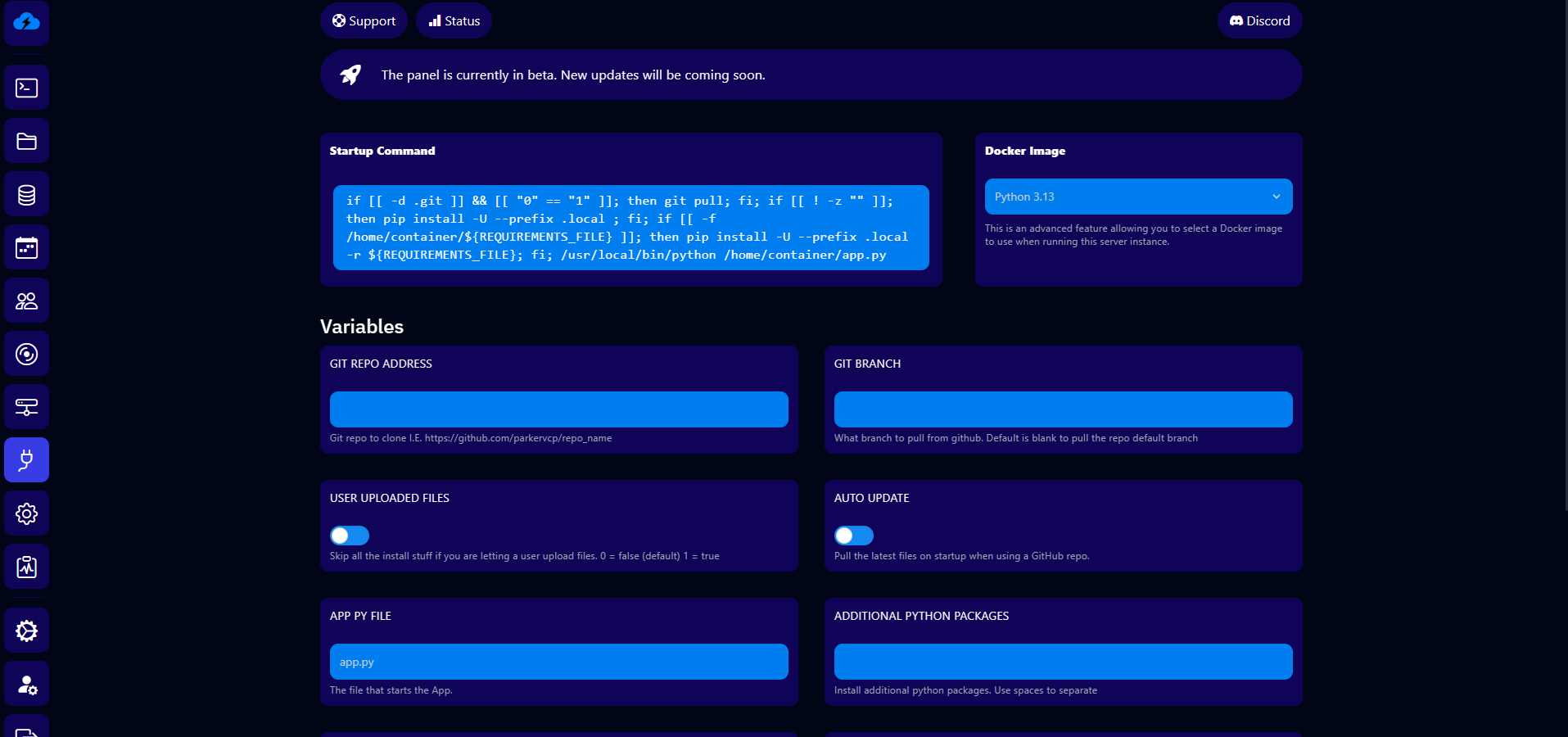
✓ All done! Your hosting is now configured and ready to start your project.